1. Pick the issue
A free preview, a Monthly, Seasonal, Single, or Group Issue. The photo limit, deadline, and price are shown before you begin.
 Lately
PAGE DOWNLOAD INTERRUPTED
Everything starts with the photos already on your phone. Pick an issue, add the pictures and a few words, and a Lately designer turns them into a finished, printed photo magazine. Here is the whole process, from camera roll to printed issue.
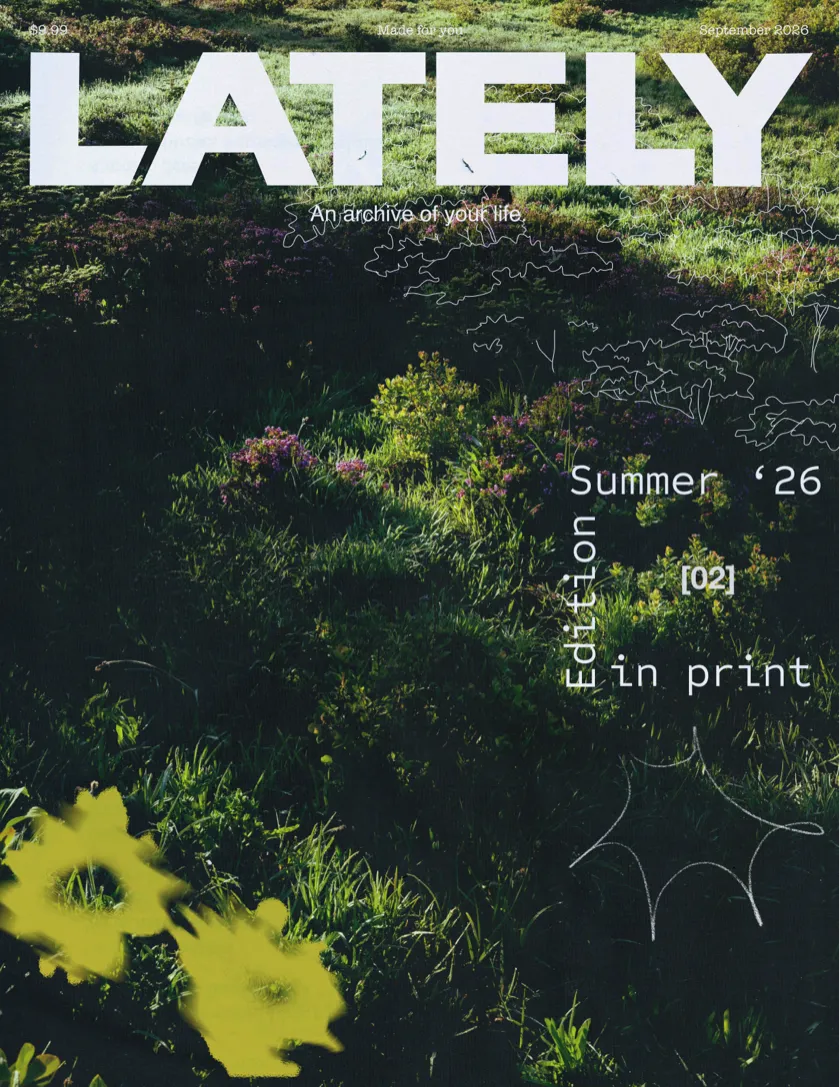
A free preview, a Monthly, Seasonal, Single, or Group Issue. The photo limit, deadline, and price are shown before you begin.
Upload from your phone whenever you like during the collection window. Group related pictures into a Moment, and move a photo between Moments if the story changes.
A header introduces a group of photos. A caption keeps a name, a place, or a joke. Mark favorites to tell us which pictures matter most. None of it is required.
Check the final selection and any print-quality notices, then submit. Submitted issues lock so the designer can work from a finished set.
A designer builds the cover and interior pages. Paid issues go to print, ship with standard US shipping included, and stay available in Orders.
A free preview needs exactly 15 photos. A Monthly Issue holds up to 35. Seasonal, Single, and Group Issues hold up to 45.
A Monthly Issue is $33 a month, a Seasonal Issue $36 a season, a Single Issue $39, and a Group Issue $39 per person. Standard US shipping is included in every price; international destinations get a live estimate before checkout.
Monthly Issues hold up to 35 photos. Seasonal, Single, and Group Issues hold up to 45. A Group Issue shares those 45 spaces across everyone contributing. The free digital issue uses exactly 15 photos.
Add headlines and captions to give your photos context. With curated captions enabled, Lately can lightly edit your words for template length and tone. Turn it off when you want your exact words used.
Our team arranges your photos and text into a finished magazine. You choose the memories and add the words; we make the creative layout choices. You do not need to design pages yourself.